Turn Long Videos Into
Viral Short Clips

Harness the power of AI-driven face tracking and intelligent cropping. Skip the manual editing grind—get studio-quality reels with one click.

Your Breakthrough in
Short-Form Content

100% Free Forever
No Credit Card
Zero Hidden Charges
AI Precision Engine

ADVERTISEMENT

Your content deserves real engagement

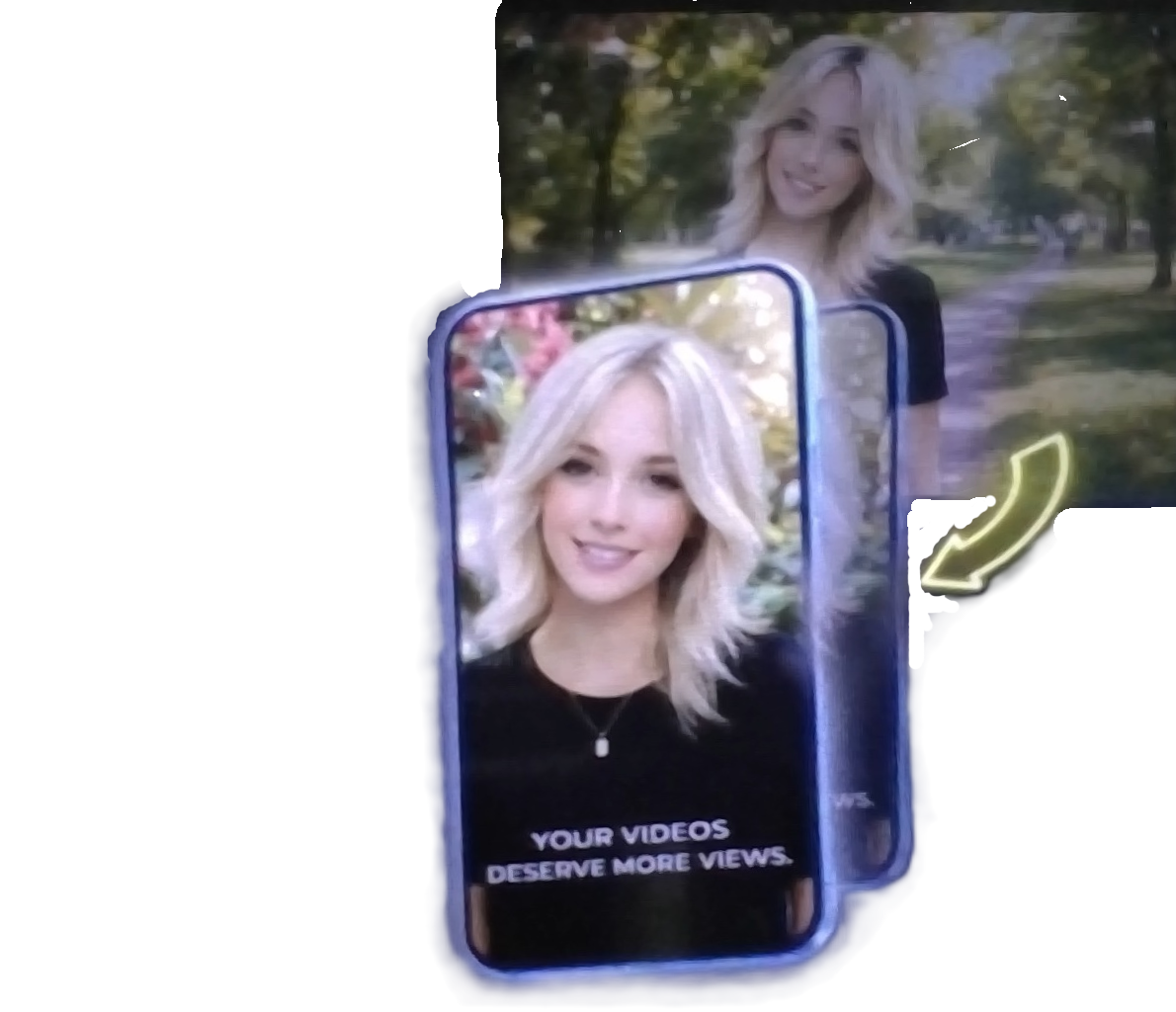
Reel Star intelligently identifies high-impact moments within your YouTube videos and transforms them into platform-ready clips. Forget tedious editing—just upload, and watch your reach multiply across Facebook, Instagram Reels,TikTok and YouTube Shorts.

🔥 Shorts driving +2.4K views/hour

Say goodbye to manual cutting

Reel Star's AI scans your video, pinpoints the most compelling segments, then auto-crops and exports them in perfect 9:16 vertical format. You focus on creating—we handle the rest.

AI Features Demo
Auto-Segmented
Face Locked
Vertical-Ready

Brand your captions.
Own your style

Select from expertly designed presets or craft custom subtitle styles that reflect your unique voice. Captions stay in the safe zone, ensuring they're always visible—no matter the device.

Caption styling preview

Custom Styles
Why Choose Reel Star?

More Than an AI Tool. A Better Way to Create.

Thousands of creators spend hours searching for the right moments, adjusting crops, and preparing videos for every platform. Reel Star was built to remove that entire process, so you can focus on creating content instead of editing it. Every feature exists for one reason—helping you publish faster without sacrificing quality.

Built for Speed, Not Complexity

No confusing timeline. No steep learning curve. Upload your video, let the AI do the heavy lifting, and get platform-ready clips in minutes.

Built for Speed Illustration

Designed Around Real Creators

Every decision inside Reel Star is made with content creators in mind. Whether you're growing a YouTube channel, posting Instagram Reels, or sharing Facebook clips, the workflow stays simple and consistent.

Creators Illustration

Free Means Free

No hidden charges. No surprise upgrades before you can use the product. Start creating immediately without entering your credit card.

Free Forever Illustration

Quality That Feels Professional

Your audience notices quality. Clean framing, polished output, and a distraction-free workflow help every video look more refined before it reaches your viewers.

Professional Quality Illustration

Grow Instead of Edit

Editing shouldn't consume your day. Spend more time creating ideas, recording content, and building your audience while Reel Star handles the repetitive work.

Grow Instead of Edit Illustration
The Reel Star Workflow
Step 01

Discover & Import

Drop a YouTube URL or upload directly from your device. Our AI engine instantly analyzes the footage and highlights the most engaging moments worth clipping.

YouTube Links Local Upload Instant Analysis
Step 02

Intelligent AI Clipping

Automated face detection keeps your subject centered. The engine crops to vertical 9:16 format and identifies peak engagement points—delivering scroll-stopping reels every time.

Face Detection 9:16 Format Auto Trim
Step 03

Polish with Captions

Add eye-catching subtitles in seconds. Choose from pro-grade templates or customize fonts, colors, and positioning. All captions sit within the safe zone for guaranteed visibility.

Style Library Custom Fonts Safe Zone Lock
Step 04

Publish & Scale Fast

Export and share directly to Instagram Reels, YouTube Shorts, and Facebook. One-click distribution means you spend less time uploading and more time growing your audience.

Instagram YT Shorts Facebook
AI Powered

From Upload to Viral — Under 2 Minutes

Our neural network processes, edits, captions, and packages your clip faster than any traditional workflow. Zero learning curve, zero manual labor—just measurable growth for your channel.

12K+ Active Creators
<2 Min Avg. Processing
100% Free to Use
3 Platforms Supported
No Credit Card Zero Hidden Costs Unlimited Exports
Ready to multiply your reach?
What Creators Are Saying
Frequently Asked Questions
View all questions